Comparison graphs
Put up to seven sensors on one 24-hour chart and compare them at a glance.
Your lights, cameras and sensors in a translucent panel on your desktop. For Windows, macOS and Linux.
Click a tile. Hold a light to dim it, or pin one to the desktop.
Put up to seven sensors on one 24-hour chart and compare them at a glance.
Control devices from any app, or press Ctrl+K to search everything.
Your favorite devices in a grid. Click to toggle, hold for more.
Drop any tile onto your desktop as its own little window.
Watch live feeds or refreshing snapshots right in the widget.
You sign in on Home Assistant's own page, and your login is stored encrypted by your OS.
Keep your layout and theme in sync across computers through a folder you already sync.
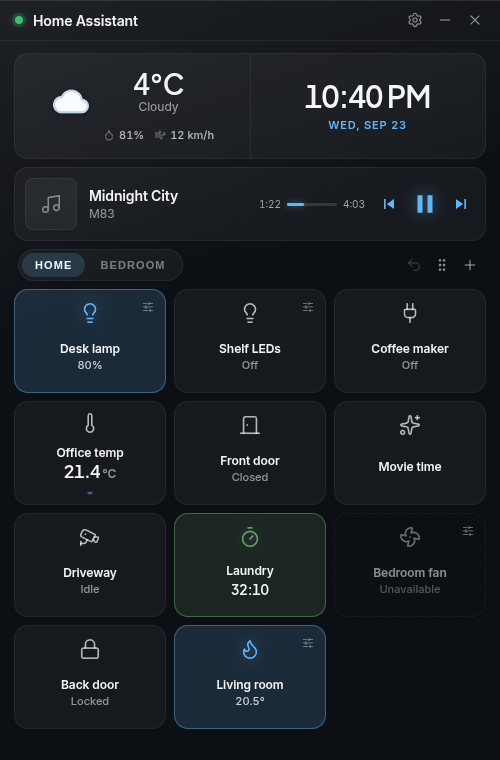
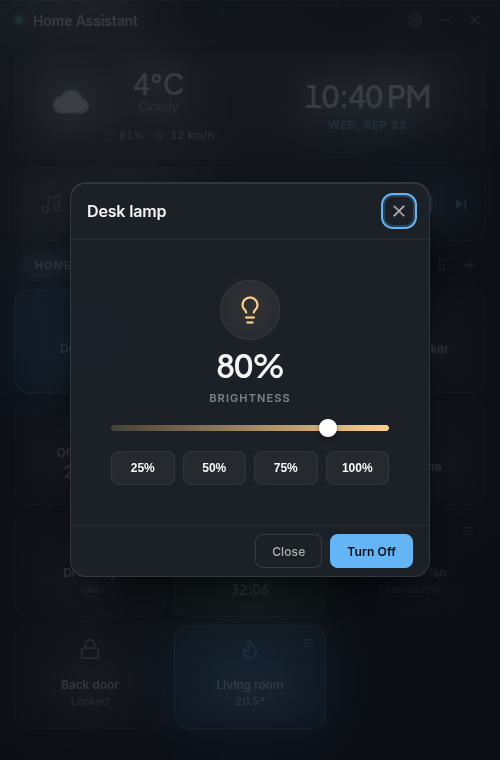
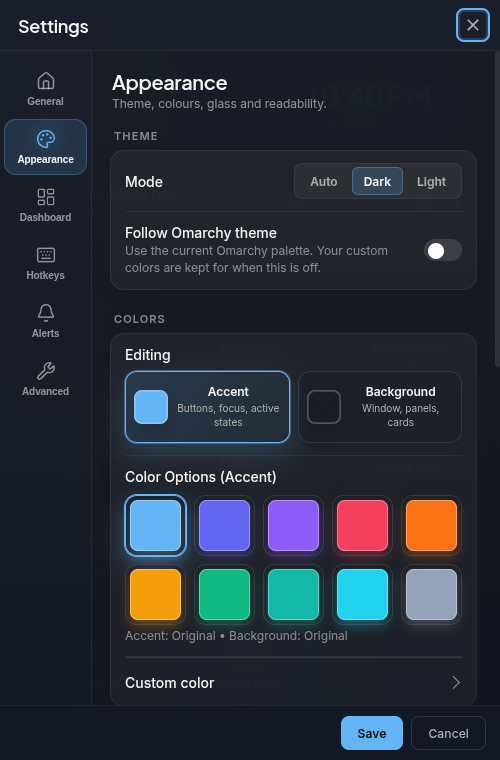
Run the build for your OS and click the settings button.
Enter the address you use for Home Assistant and approve it in your browser.
Click + and pick the lights, sensors and cameras you want.
Want automations to control it? Try the companion integration.
Keep your widget settings available across computers. Cloud Sync will be optional; the desktop app and folder sync remain free.
To use Cloud Sync, you will sign in with Google or GitHub. The service uses your verified email address and provider ID to identify your account, and stores the settings you choose to sync. Google and GitHub do not receive your Home Assistant settings through this sign-in. After a 14 day service trial, saving new changes will require a USD 24/year subscription.
Read the privacy policy and subscription terms for details. This feature is in private testing until 4.0 is ready.